
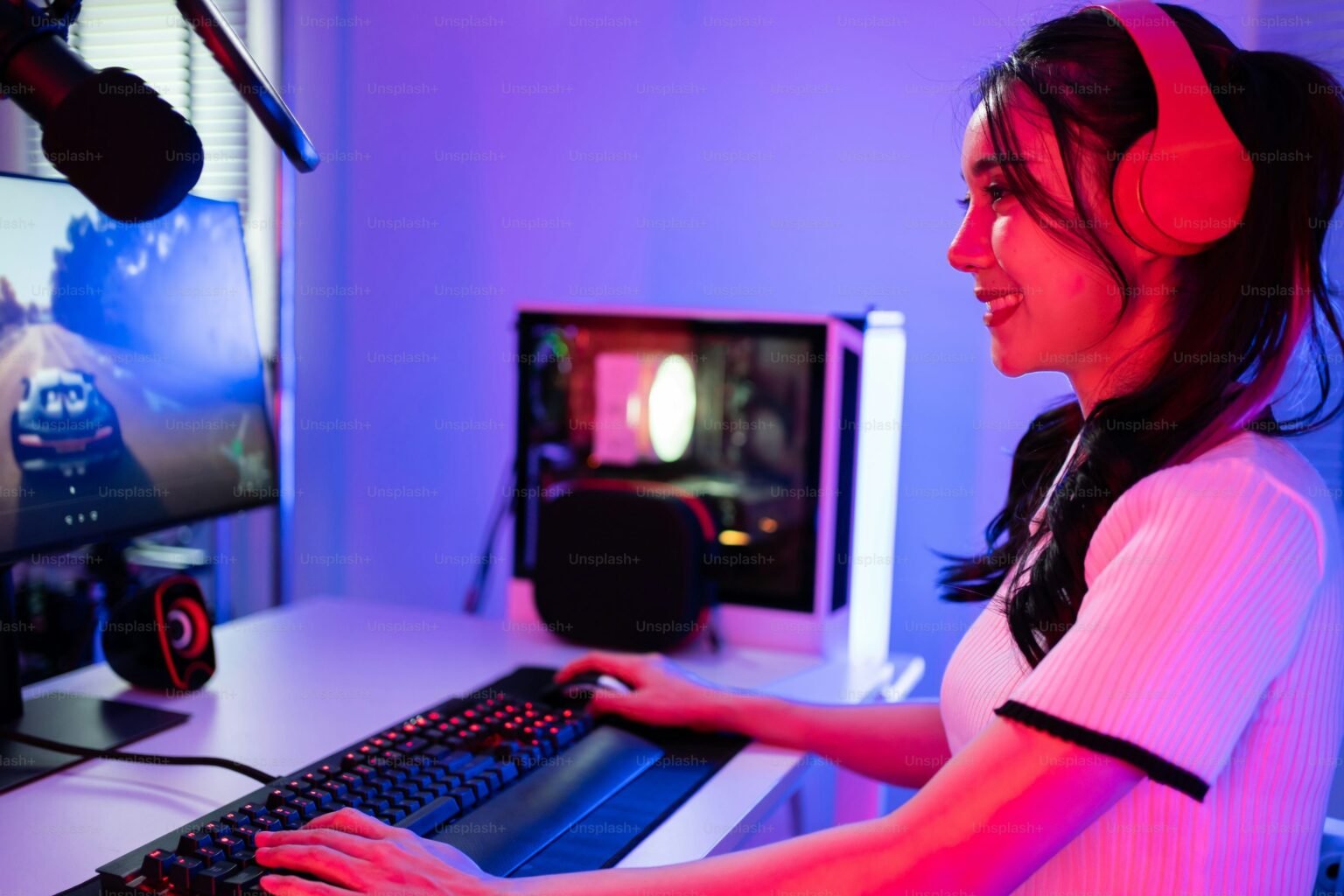

Building a gaming PC is an exciting project that gives you complete control over performance, design, and budget. Instead of settling for a pre-built system, you can choose parts that match your gaming needs and upgrade them over time. While the process may seem complex at first, understanding the basics makes it much easier. This guide covers everything you need to know to build a gaming PC with confidence.
To begin, it’s important to understand why building a gaming PC is worth it. When you build your own system, you get better value for your money and avoid unnecessary components. You can prioritize performance, customize aesthetics, and gain a deeper understanding of how your computer works. This knowledge also makes troubleshooting and future upgrades simpler.
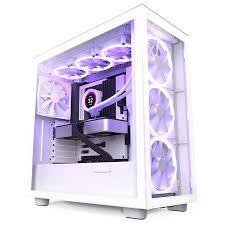
The first step is choosing the right core components. The CPU (processor) acts as the brain of your PC, handling instructions and game logic. A solid mid-range or high-performance CPU ensures smooth gameplay, especially in CPU-heavy games. Equally important is the GPU (graphics card), which has the biggest impact on gaming performance. It determines how well your system can handle high resolutions, detailed graphics, and smooth frame rates.
Next is the motherboard, which connects all components together. It must be compatible with your CPU and support features like sufficient RAM slots, storage options, and expansion ports. Speaking of memory, RAM is essential for multitasking and smooth gaming. Most modern games run best with at least 16GB of RAM, allowing faster loading and fewer performance hiccups.
Storage is another key consideration. Solid-state drives (SSDs) are highly recommended because they significantly reduce boot and load times. Many gamers choose an SSD for the operating system and games, paired with a larger hard drive for additional storage. This combination balances speed and capacity.
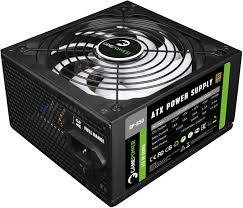
A reliable power supply unit (PSU) is critical. It provides stable power to all components and protects your system from electrical issues. Choosing a PSU with enough wattage and good efficiency ensures long-term reliability. Your PC case also matters, as it affects airflow, cooling, and overall appearance. A well-ventilated case keeps components cool and allows easier cable management.
Cooling is essential to maintain performance and system health. Most CPUs come with stock coolers, which are sufficient for basic use, but aftermarket air or liquid cooling solutions can improve temperatures and reduce noise. Good airflow inside the case also helps prevent overheating during long gaming sessions.
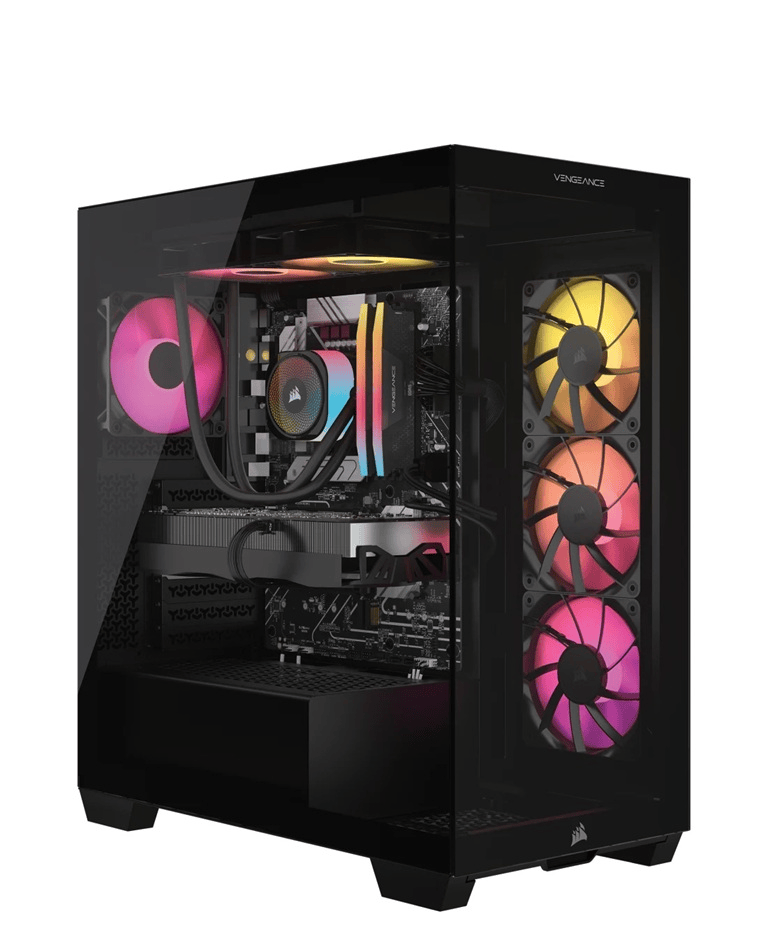
Before assembling your PC, gather basic tools like a screwdriver and work in a clean, static-free environment. During assembly, install components step by step—starting with the CPU, RAM, and cooler on the motherboard, then placing it inside the case, installing the power supply, storage drives, and graphics card. Carefully connect all cables and double-check connections.Once the hardware is complete, install the operating system using a bootable drive.
After installation, download the latest drivers for your graphics card and motherboard to ensure optimal performance. Testing your system by monitoring temperatures and running games helps confirm stability.
In conclusion, building a gaming PC is a rewarding experience that combines creativity, technical skills, and performance optimization. With the right components, careful assembly, and proper setup, you can create a powerful gaming system tailored to your needs. Whether you’re a casual gamer or an enthusiast, a custom-built gaming PC offers flexibility, performance, and long-term value that’s hard to match.

